Field Agents

Put agents to work in your business context

Describe a custom AI task once. Field Agents then run it in your Airtable fields, automatically and at scale.

A few ways to run Field Agents across your operations

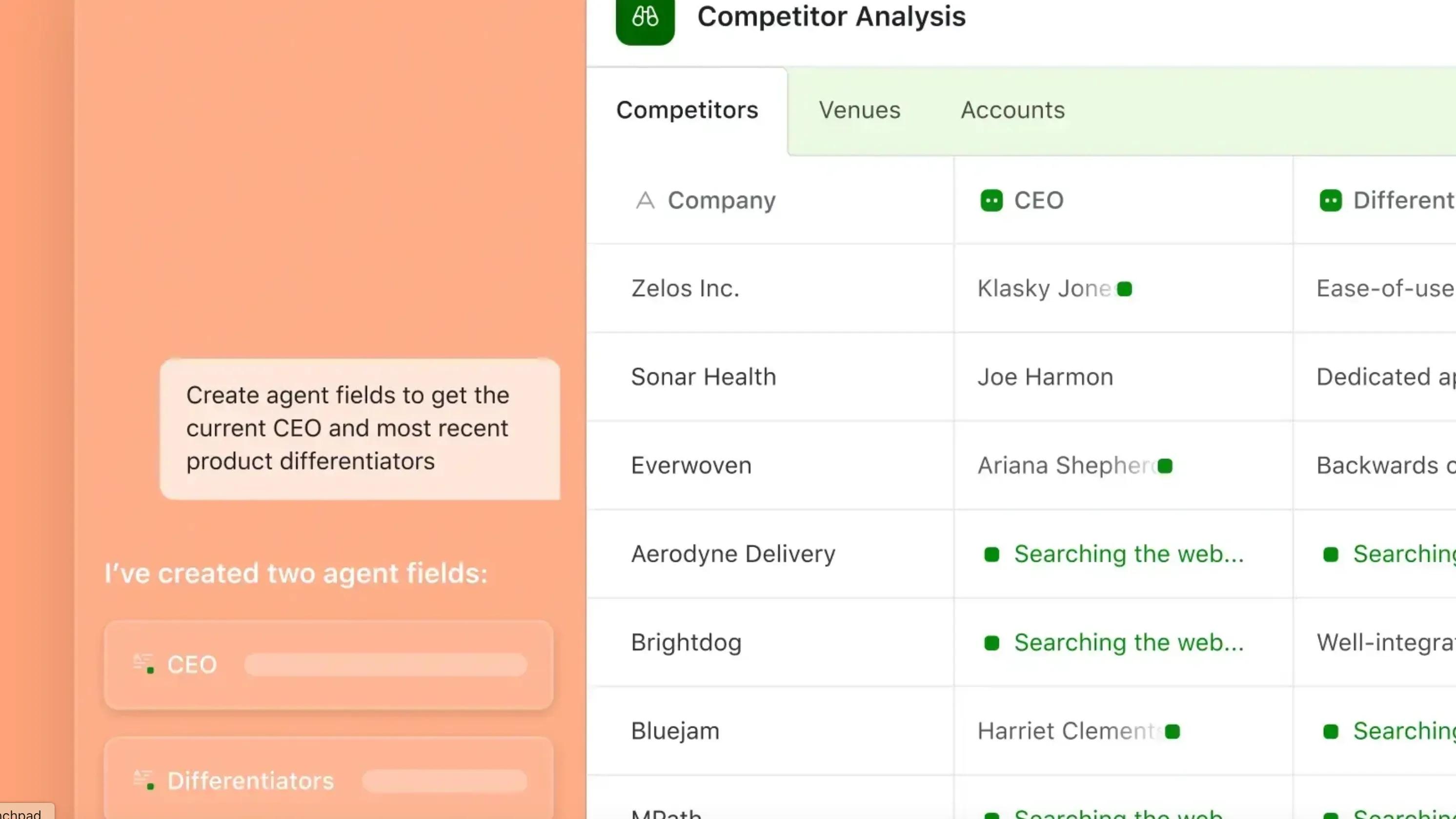
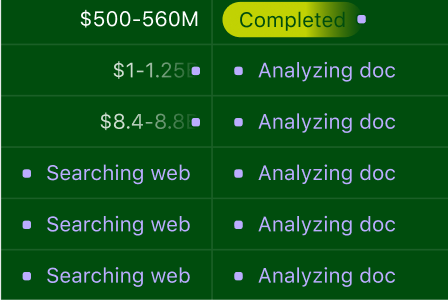
Scan thousands of documents and extract critical insights in seconds. Parse contracts, invoices, and reports for red flags and hidden gems. Then, turn them into structured and actionable data in Airtable.
01 Document analysis agents
Why Field Agents

Get hours back for your team

Field Agents do the tedious background work — on every record, and as your data changes.
  • Run on your operational data

    Field Agents work from your org’s internal records, so the results are specific to your business.
    Run on your operational data
  • Accessible to your team

    Give your employees multi-player access to Field Agent settings and outputs.
    Extends to your team
  • Mix models and tune outputs

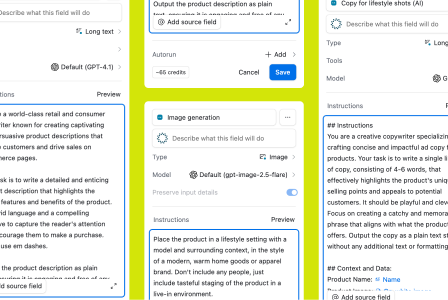
    Customize each Field Agent: Choose the output type, AI model, temperature, and web access.
    Stays inside your org controls

Premade AI workflows for the way your business works

Skip the code. Build AI-powered apps for the way your business works.

Governance

Field Agents work within your rules

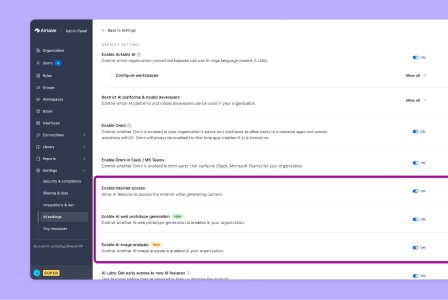
Your admins control what Field Agents can access and perform across your business data.

  • Your choice of AI models

    Model choice

    Your admins decide which models are enabled: OpenAI, Anthropic, Gemini, and others. Agents run on the ones you allow.
  • Admins manage AI usage

    Admin control

    Scope what each person and agent can read or edit. Every action shows up in the audit log.
  • Your data stays secure

    Data protection

    Model providers never retain your data and never train on it. SOC 2, HIPAA, SSO, and SCIM compliant.

Join 10M+ builders on Airtable.

Frequently asked questions

Field Agents perform AI tasks in Airtable fields using the context and instructions you configure. They can research, analyze, and generate content, with results saved alongside your business data.

Configure an AI field with the task, instructions, and record context it needs, then test the output before running it more broadly. Where supported, Omni can help with setup.

Use them to extract information from documents, research the web, generate images, classify feedback, summarize evidence, and draft content. Available options depend on the task and enabled models.

Yes. You can configure supported AI fields to run when new records are added or relevant inputs change. Review the setup and credit implications before enabling automatic runs.

Field Agents generate results in your records. Automations can use those results to notify people or move work through a configured process. Your team decides where review and approval are required.

Field Agents handle configured tasks in your data. Omni helps you build and work with Airtable. Connections to external agents are separate capabilities with their own setup and availability.

Model choices depend on the task, plan, and settings enabled by your organization. See Airtable’s current AI security and governance documentation for the controls and data-handling terms that apply.

Field Agent runs use AI credits. Credit use depends on the task and model. See more details about AI pricing.

Reading document head…